

Summary
This lesson explores how digitized signals make modern communication clearer, faster, and more reliable than analog signals. Students evaluate the advantages and disadvantages of digital transmission and storage while learning how innovators like Marian Croak helped transform the technologies we use every day. Through hands-on investigation and real-world problem solving, students connect scientific concepts to meaningful communication challenges in their own communities.
Essential Question(s)
How do digital signals make communication and storage more reliable, and why does it matter?
Learning Objectives
Students will explain why digitized signals are more reliable than analog signals for transmitting information.
Students will evaluate the advantages and disadvantages of digital transmission and storage.
Students will apply their understanding of digital communication to a real-world design challenge.
Snapshot
Engage
Using the Chalk Talk instructional strategy, students map and categorize daily communication methods as analog or digital.
Explore
Students rotate through hands-on stations to observe how and why digital signals are more reliable.
Explain
Using the Jigsaw strategy, students read innovator profiles and connect their work to the differences between analog and digital signals.
Extend
Students design a digital communication tool that uses digital signals.
Evaluate
Students reflect on their learning using the Exit Ticket instructional strategy.
Materials
Lesson Slides (attached)
Air Traffic Control Case Study handout (attached; one per student)
Glitch Lab handout (attached; one per student)
Profile Summaries handout (attached; one profile summary per student)
Exit Ticket handout (attached; one per student)
Engage
15 Minute(s)
Begin by introducing the lesson on slide 2 and reviewing the essential question and learning objectives on slides 3–4.
Move to slide 5 and review the Chalk Talk strategy with students. Explain to students:
"Today, we’re going to map all the ways we communicate in a typical day. For example, texting, DMs, social media, video calls, gaming chats, school apps, phone calls, and more. Each method involves sending a signal from one place to another."
Divide students into groups of 3–4 and provide each group with a large sheet of chart paper and markers. Read aloud the central prompt:
“List all the ways you send and receive information in a typical day.”
Students will work silently for one minute, writing or doodling as many methods as they can.
Once the minute is up, display slide 6, pause and explain:
"Now we’re going to add another layer to our chart. Some communication methods rely on digital signals: discrete, coded pulses of information that can be stored, copied, or transmitted reliably. Example: sending a text message."
"Other methods rely on analog signals, continuous signals that can vary in strength or clarity such as talking face-to-face, a wall clock with a ticking minute and second hand."
Ask groups to review their initial lists and color-code or mark each method:
Blue = digital
Red = analog
Give students one minute to make these decisions as a group. During this part, they may discuss their reasoning aloud.
After color-coding, Using the Gallery Walk strategy, have students travel in groups to each table, observing other groups’ charts and noting patterns, similarities, or surprises.
After 1–2 minutes, have students take their seats. Display slide 7 and facilitate a class discussion with the following questions:
What patterns or trends did you notice across the charts?
Which methods seem the most reliable or efficient, and why?
Explain to students that they will transition into exploring how signals work and the innovators who made modern digital communication possible.
Explore
40 Minute(s)
Move to slide 8 and introduce the signal stations.
Explain to the students that they will rotate through three stations that allow them to explore how analog and digital signals work. Each station will give a different way to see and experience signals. At each station, record your observations and think about reliability, efficiency, and patterns.
Each group will consist of 3–4 students who will rotate through the stations together. Each station should have a set of instructions and its materials ready.
Display slide 9 and discuss Station 1: Round 1: Analog Round (Bear, Pear, Chair / Bird, Bubble, Butter). Students should form a circle or a line. Explain to the students “In Round 1, the goal is to pass a repeating pattern of eight items. Pass this pattern verbally to the next person without writing it down and keeping a particular beat. The pattern should be whispered to the next person, not said aloud. This models analog signals, where small changes accumulate over time.”
Review the following instructions with students:
The first student whispers the full pattern to the person next to them. That person listens carefully and then delivers that same message to the next person. Continue until the last person says the sequence. Have the last person say it aloud and check the card to see if the student was correct.
Display slide 10 and discuss Station 1: Round 2: Digital Round (Coded Version). Students should work as a group to convert each item to a simple code: Bear = 1, Pear = 2, Chair = 3, etc. Instead of passing the code verbally, the first student will write down the code and show the code to the person next to them without speaking. That student will then memorize that code, write down the code, and pass the code to the next student. Each student will have no more than 5 seconds to memorize that code before writing it down. The last student will say the full sequence aloud. Check the card to see if the student was correct.
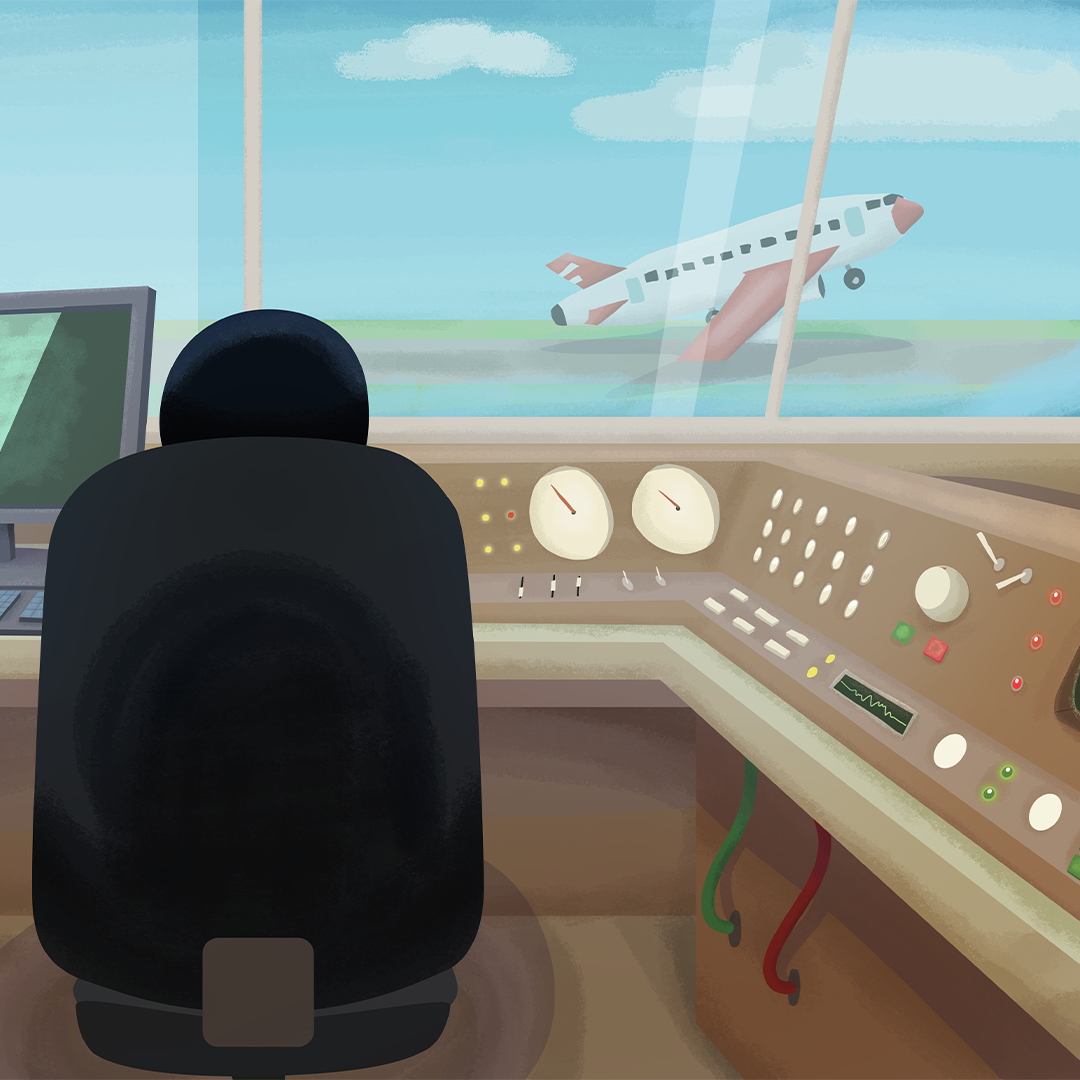
Display slide 11 while explaining Station 2: Air Traffic Control Case Study. Explain to students that communication is not always about convenience; sometimes it is about safety. In this station, students will analyze how communication systems are used in aviation and determine why digital signals are often more reliable than analog signals.
Pass out the attached Air Traffic Control Case Study handout to each student. Using their handout and the Air Traffic Communication diagram on slide 12, instruct students to complete the tasks below.
Display slide 13 and explain to the students that they will be doing the following:
Identify the Signal Type: Using the diagram, determine whether each aviation system uses analog signals, digital signals, or a combination of both.
Evaluate Reliability: Using the thunderstorm scenario provided, rank all six systems from most reliable to least reliable and provide a 2–3 sentence justification based on how each system performs under interference.
Analyze System Failure: Students should answer the questions in Part C, identifying which system would fail first, which systems would take over, and whether planes could still land safely.
Answer the Reflection Questions: Students should complete Part D by explaining the advantages and disadvantages of digital transmission and why air traffic control cannot rely solely on analog communication.
Circulate to support discussion and encourage students to connect their reasoning to what they observed about signal reliability in Station 1.
Display slide 14 and introduce Station 3: Glitch Lab: Real-World Signal Scenarios
Pass out the attached Glitch Lab handout to each student. Explain to the students that they will be exploring real-world “glitches” in communication systems. For each scenario, decide whether the underlying system is likely analog or digital. Then analyze one advantage and one disadvantage of digital signals in that situation. Have students record their responses on their handout. To save time, the students may select up to three scenarios instead of addressing all nine scenarios.
After students complete all station rotations, facilitate a whole-class debrief. Ask students to reflect on their observations from each station and discuss how the activities demonstrated differences between analog and digital communication systems. Use the discussion prompts provided in the Teacher Notes section to guide the conversation.
Explain
30 Minute(s)
Use slides 15–19 to explain content. As you facilitate, encourage students to take notes on the information.
Take about 5 minutes to clarify analog vs. digital with simple visuals, linking to station data (continuous vs. discrete, more vs. less vulnerable to noise).
Display slide 20 and review a real-life example of the impact of digital signals.
Before diving into the innovators, display slide 21. Review with the students how the station activities show the difference between analog and digital.
Next, display slide 22 and review the Jigsaw instructional strategy with students. Explain to the students that they will work in groups, each receiving a one-page innovator profile connecting directly to digital signals.
Each group will answer the following about their specific innovator:
What communication problem did this person help solve?
How did their work depend on digital signal encoding or efficient transmission?
Why might their contributions have been overlooked?
Pass out a page of the attached Profile Summaries handout to each student and display slide 23. Allow 10 minutes for the students to read the profile and answer the questions, then mix the students into new groups. They will be teaching one another about their innovator.
Use the remaining 10 minutes to ask the groups to share aloud what they learned about each innovator. Create a class chart while collecting the students’ responses.
Extend
30 Minute(s)
Next, move on to slide 24. Explain to students that they will work in teams and take on the role of IT Applications Analysts designing a digital communication tool for a specific community group (elders, multilingual families, after-school programs, etc.).
Display slide 25 and review that each team must include the following:
A communication tool concept (mock app, SMS system, voice service).
A clear use of digital signals in some part of the system.
An explanation of where information is stored and how digital storage is an advantage or introduces risks.
At least one feature inspired by one of the innovators covered during the jigsaw activity.
Display slide 26 and explain that each team will have 15 minutes for team design.
Teams must deliver a quick two-minute pitch to the class explaining how their tool improves reliable communication in their chosen community.
Evaluate
15 Minute(s)
Display slide 27 and pass out the attached Exit Ticket handout to each student. Review the Exit Ticket instructional strategy and inform the students that they are only required to answer three of the six questions.
Resources
K20 Center. (n.d.). Bell Ringers and Exit Tickets. Strategies. https://learn.k20center.ou.edu/strategy/125
K20 Center. (n.d.). Chalk talk. Strategies. https://learn.k20center.ou.edu/strategy/197
K20 Center. (n.d.). Gallery walk / carousel. Strategies. https://learn.k20center.ou.edu/strategy/118
K20 Center. (n.d.). Jigsaw. Strategies. https://learn.k20center.ou.edu/strategy/179