

Summary
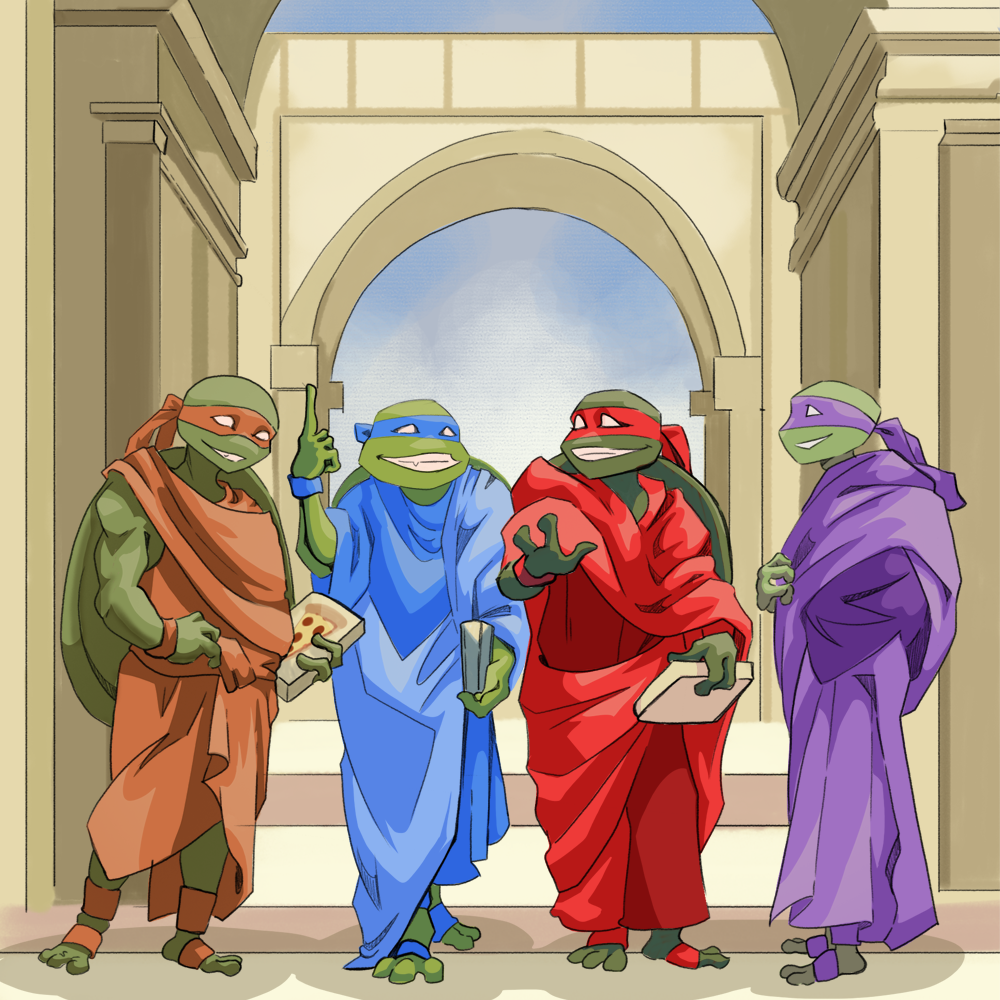
Renaissance artists like Michelangelo, Leonardo da Vinci, Raphael, and Donatello are key figures in the realms of both history and art, but some students may only know their names in the context of the popular "Teenage Mutant Ninja Turtles" cartoon. This lesson focuses on the iconic art of the Renaissance and guides students to investigate and analyze the historical influences behind it.
Essential Question(s)
What can art tell us about history? How does art reflect history?
Snapshot
Engage
Students participate in a Four Corners activity related to four artistic works from the Renaissance.
Explore
Students analyze the works from the Four Corners activity using the It’s OPTIC-al strategy.
Explain
Students watch a short video related to the Renaissance and develop a list of themes or characteristics of the movement.
Extend
Students create Anchor Charts for key Renaissance artists.
Evaluate
Students participate in a Gallery Walk to view their peers' Anchor Charts.
Materials
Lesson Slides (attached)
Four Corners Signs (attached)
It's OPTIC-al Graphic Organizer handout (attached; one per student)
Tape
Pens and pencils
Paper
Markers or crayons
Poster paper
Sticky notes
Engage
15 Minute(s)
Use the attached Lesson Slides to guide the lesson. As soon as students enter the classroom, share the images on slides 3–6 without sharing the names of the paintings or artists. Show them the images only.
Display slide 7. Share the Four Corners strategy. Draw students’ attention to the Four Corners Signs hanging around the room. Direct students to move to the image they feel most drawn to. When students have moved to the images they like most, display slide 8. Ask students to discuss with their groups why they chose that piece of artwork. Allow students 3–5 minutes to discuss.
Display slide 9 and ask each group to elect a spokesperson. Give each spokesperson time to explain their group's reasoning to the class.
Move through slides 10–11 to review the lesson’s essential questions and learning objectives to the extent you feel necessary.
Explore
25 Minute(s)
Display slides 12–15 to individually reveal the title and artist of each image.
Move to slide 16. Have students remain in their groups and give each student one copy of the attached It’s OPTIC-al Graphic Organizer handout. Share the It’s OPTIC-al strategy.
Allow groups time to analyze their selected image and complete the It’s OPTIC-al Graphic Organizer handouts. On their handouts, students should respond to the following prompts:
Observations: What do you notice or observe in this piece of art?
Parts: What are the parts of this artwork? What are the details?
Title: What does the title tell you about the artwork? How does it relate to what you see?
Interrelationships: How do the parts of the painting work together to convey the artist’s message?
Conclusion: What does this artwork convey? What can you tell from the artwork (time period, artist, etc.)?
After groups have had time to fill out their graphic organizers, ask each group’s spokesperson to share their group's analysis with the class.
Explain
25 Minute(s)
Display slide 17 and share that students should watch the following video and annotate their It’s OPTIC-al Graphic Organizers as they watch. Ask them to look for common themes of the Renaissance period and add any information they deem necessary. Tell them that, as they watch the video, they should consider the following question on the slide: “How do you think the Renaissance is reflected in the art you have viewed today?”
Display slide 18 and play the video The Renaissance: Was it a Thing? If students struggle to answer the question from the slide, ask them to consider and identify the characteristics of the Renaissance.
Ask students to share key takeaways from the video.
Next, ask students to share the information from the video that they think relates most to the artwork they viewed earlier. Ask if anything from the video informed or reconstructed their understanding of the art they previously saw.
Extend
40 Minute(s)
Display slide 19. Organize the large groups into smaller groups of 3–4 students. Give each group a sheet of poster paper. Invite each group to use their It’s OPTIC-al Graphic Organizers, information from the video, and list of characteristics to create an Anchor Chart about the artist they selected in the Explore phase. Share that each Anchor Chart should include:
The artist’s name
Graphics (pictures of the artist or their most famous works)
Common themes of the artist’s works
Description of how this artist’s work reflects the Renaissance period
Encourage students to use their textbooks or online resources if they choose to research more specific information about their chosen artist and the Renaissance. Suggest online resources such as Google Arts & Culture, Encyclopedia Britannica, SmartHistory, Web Gallery of Art, or even museum websites such as The Louvre or The Metropolitan Museum of Art.
Evaluate
25 Minute(s)
Display slide 20. As groups finish their Anchor Charts, have them hang them around the room.
Share the Gallery Walk strategy with students. Have each group elect a spokesperson to stand near their Anchor Chart and explain their presentation to visiting classmates.
Give the remaining group members a pad of sticky notes and have them rotate to each chart around the room. Groups members should listen to the spokesperson share the presentation. Then, they should ask questions and post feedback on the poster using the sticky notes. The spokesperson should answer as many questions as possible. Have students continue to rotate until they visit every presentation.
Evaluate students’ understanding of the lesson content using the It’s OPTIC-al Graphic Organizers and the Anchor Charts.
Resources
CrashCourse. (2012, June 21). The Renaissance: Was it a thing? – Crash course world history #22 [Video]. YouTube. https://www.youtube.com/watch?v=Vufba_ZcoR0
K20 Center. (n.d.). Anchor charts. Strategies. https://learn.k20center.ou.edu/strategy/58
K20 Center. (n.d.). Four corners. Strategies. https://learn.k20center.ou.edu/strategy/138
K20 Center. (n.d.). Gallery walk / carousel. Strategies. https://learn.k20center.ou.edu/strategy/118
K20 Center. (n.d.). It’s OPTIC-al. Strategies. https://learn.k20center.ou.edu/strategy/99