
Card
Gynzy
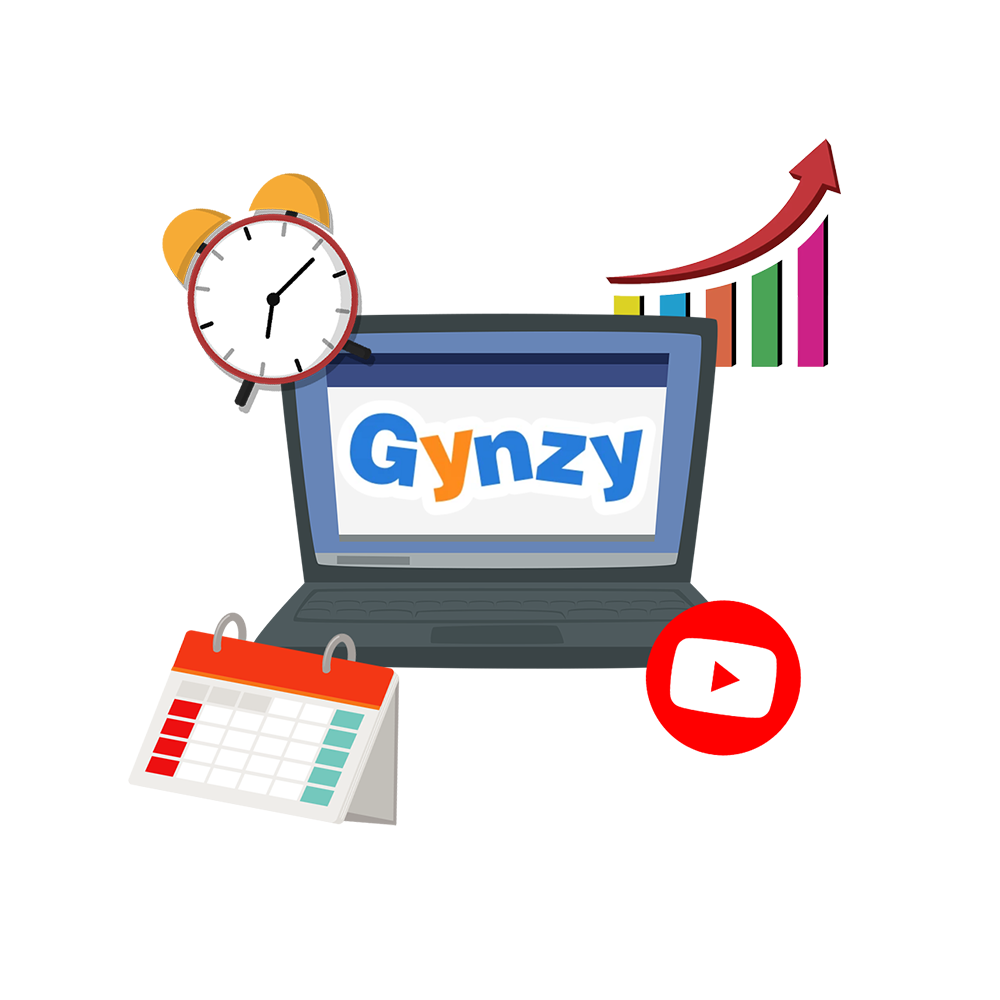
Gynzy is a browser-based platform for interactive boards. It provides teachers with ready-made lessons, classroom management tools, and games. While most tools and resources can be used broadly, Gynzy is best suited for primary students. It is especially useful for math. A free trial and paid plans are available for teachers, schools, and districts.
Gynzy
Summary
Gynzy works best for classrooms with a touchscreen or interactive board, serving as an all-in-one hub for whole-class instruction. The platform provides a digital whiteboard, ready-made lessons, and 100+ games/activities, plus built-in classroom management tools such as timers, name pickers, and a voice level meter. Teachers can create their own lessons, upload content (images, PDFs, etc.), or pull content from the web. Gynzy also enables teachers to import class rosters through Google Classrooms.
Procedure
Go to https://www.gynzy.com/en
Select “Start Gynzy.“
Begin using immediately. Some features may require you to create or sign-in to an account.
Browse the Tools menu on the whiteboard (bottom of the screen).
Options include Classroom Management, Randomizers, Lesson Builders, Games & Activities, Charts & Graphs, Math Tools, Clocks & Timers, and Money.
Select specific tools, such as the “Timer“ or “Name Picker,“ to add to the whiteboard.
Use the Lesson Builder tools along with your own uploads or web links.
When the lesson has been completed and is ready to use, select the share option (must be signed in to your account), then use the provided link or QR code.
Gynzy. (2026). Online teaching platform for interactive whiteboards | Gynzy. https://www.gynzy.com/en
Publisher
Downloads
This work is licensed under a Creative Commons CC BY-SA 4.0 License.
Report copyright infringement »