
Summary
In this professional learning session, educators explore emerging educational technologies and examine how the ISTE Standards for Students can deepen and enhance instructional practice. Using collaborative exploration, standards analysis, and structured reflection, participants consider their current instructional approaches and develop initial plans to integrate technology in authentic, standards-aligned ways. This session blends technology exploration with reflective instructional design to support educators in becoming “Exquisite Educators” who intentionally leverage digital tools to cultivate the 4C’s: communication, collaboration, creativity, and critical thinking.
Essential Question
How can I intentionally integrate technology into my instruction in ways that align with the ISTE standards to enhance student learning?
Materials List
Slide deck
ISTE Student Standards posters
Frayer Model Graphic Organizer
What? So What? Now What? Graphic Organizer
Future-Ready Tools Padlet
ISTE Standards I Notice, I Wonder Padlet
Participant Devices
Sticky notes
Pens and/or pencils
Learning Goals
Analyze emerging technologies for classroom application.
Interpret ISTE Student standards in context.
Evaluate alignment between instructional technology and standards.
Develop a classroom technology integration plan.
5E Snapshot
5 Minute(s)
Engage
Participants use the Think-Pair-Share instructional strategy to reflect on emerging careers and future-ready skills. Through whole-group discussion prompted by slides and facilitated questioning, educators consider how technology integration supports the 4C’s—communication, collaboration, creativity, and critical thinking.
Explore
Participants explore curated educational technology examples through a Padlet activity and consider how technology may support future-ready learning. Through individual exploration and collaborative discussion, educators identify opportunities for classroom use, examine potential student skill development and career connections, and connect technology integration to the 4C’s.
Explain
Participants examine the ISTE Standards for Students through whole-group discussion, Frayer Model analysis, and Jigsaw-style expert group activity. Participants contribute classroom examples to a shared Padlet and engage in collaborative discussion using the technology-integrated strategy I Notice, I Wonder with Padlet to identify patterns across standards and connect technology integration to student learning.
Extend
Participants use the What? So What? Now What? instructional strategy to reflect on their current instructional practice. Using a structured graphic organizer, educators redesign an upcoming lesson to intentionally integrate a selected digital tool aligned to a specific ISTE standard and explicitly strengthen at least one of the 4C’s. Peer feedback may be incorporated through structured table discussions.
Evaluate
Participants articulate how their redesigned lesson enhances the 4C’s using the Glow and Grow reflection strategy. Redesigned lesson plans and written reflections serve as formative evidence of learning.
Preparation
30 Minute(s)
Before the session, the facilitator should:
Print and prepare all participant materials, including sticky notes and copies of the Frayer Model and What? So What? Now What? graphic organizers.
Print and post the ISTE Student Standards posters around the room.
Double-check that all links and QR codes are active and accurate.
Prepare the Future-Ready Tools Padlet: create a copy, verify that all examples display correctly, and that participant access is enabled. Update slide 8 with a QR code and/or a shortened URL for your copied Padlet.
Prepare the ISTE Standards I Notice, I Wonder Padlet: create a copy, verify that all examples display correctly, and that participant access is enabled. Delete older responses if necessary. Update slide 17 with a QR code and/or a shortened URL for your copied Padlet.
Ensure devices are charged and available for all participants.
Set up K20 Sort by copying the format on slide 13.
Additionally, update the slide 13 short-link and QR code.
Display slide 2 before participants arrive.
Encourage participants to bring or have easy access to their upcoming lesson plans.
Engage
15 Minute(s)
During the Engage phase, participants will activate prior knowledge about the session topic by considering emergent professions.
Use the attached Lesson Slides during this lesson.
First, display slide 2 as participants enter the room. Welcome participants and briefly introduce yourself and the professional learning session. Introduce the session title and explain that participants will explore how the ISTE standards can help guide purposeful classroom and school technology integration.
Transition to slide 3 and ask participants to consider the prompt: “What jobs or careers exist today that didn’t exist when you graduated high school?” Allow participants a moment to think silently about the question and use the Think-Pair-Share instructional strategy to prompt participants to reflect on the question. Have participants record their list on the provided sticky notes. Ask them to turn to a partner and briefly share their responses. After pairs have discussed, invite a few volunteers to share their examples with the whole group. Finally, explain that many careers emerging today depend heavily on digital tools, collaboration, and problem-solving skills.
Move to slide 4 and review several of the listed careers, such as social media manager, drone operator, and AI prompt engineer. Briefly point out how rapidly technology has reshaped the workforce. Explain that this rapid change highlights the importance of preparing students with adaptable skills rather than focusing only on specific tools.
Display slide 5 and read the quote aloud: “We are currently preparing students for jobs that don’t yet exist… using technologies that haven’t been invented… in order to solve problems we don’t even know are problems yet.” Ask participants to consider how this idea relates to their work as educators. Explain that preparing students for the future requires intentional instruction that encourages communication, collaboration, creativity, and critical thinking.
Move to slide 6 and introduce the session essential question. Encourage participants to keep this question in mind as they move through the session activities. Display slide 7 and briefly review the learning objectives with participants.
Explore
20 Minute(s)
During the Explore phase, participants investigate examples of educational technology and consider how technology integration may support student readiness for an evolving digital world. Move to slide 8 and explain that participants will explore a Padlet with examples of educational technology with the Future-Ready Tools Padlet.
Explain that participants should review several examples independently and consider how technology can support students in developing the kinds of skills and habits needed to succeed in a rapidly changing world.
Remind participants of the quote discussed earlier in the session and encourage them to consider how the tools they examine can be used to support students as they prepare for careers, technologies, and challenges that may not yet exist.
Direct participants to open the Padlet resource using the provided QR code or link. Allow participants several minutes to independently review and interact with the examples before transitioning to small-group discussion.
Transition to slide 9 and ask participants to discuss their observations in small groups. Explain that groups should share patterns, questions, and emerging ideas from their exploration into potential future career connections.
Encourage participants to discuss:
Opportunities this technology creates for classroom use
Skills students gain from using the technology
Possible career connections
Invite groups to identify one or two ideas they would like to carry forward as they continue exploring technology integration throughout the session.
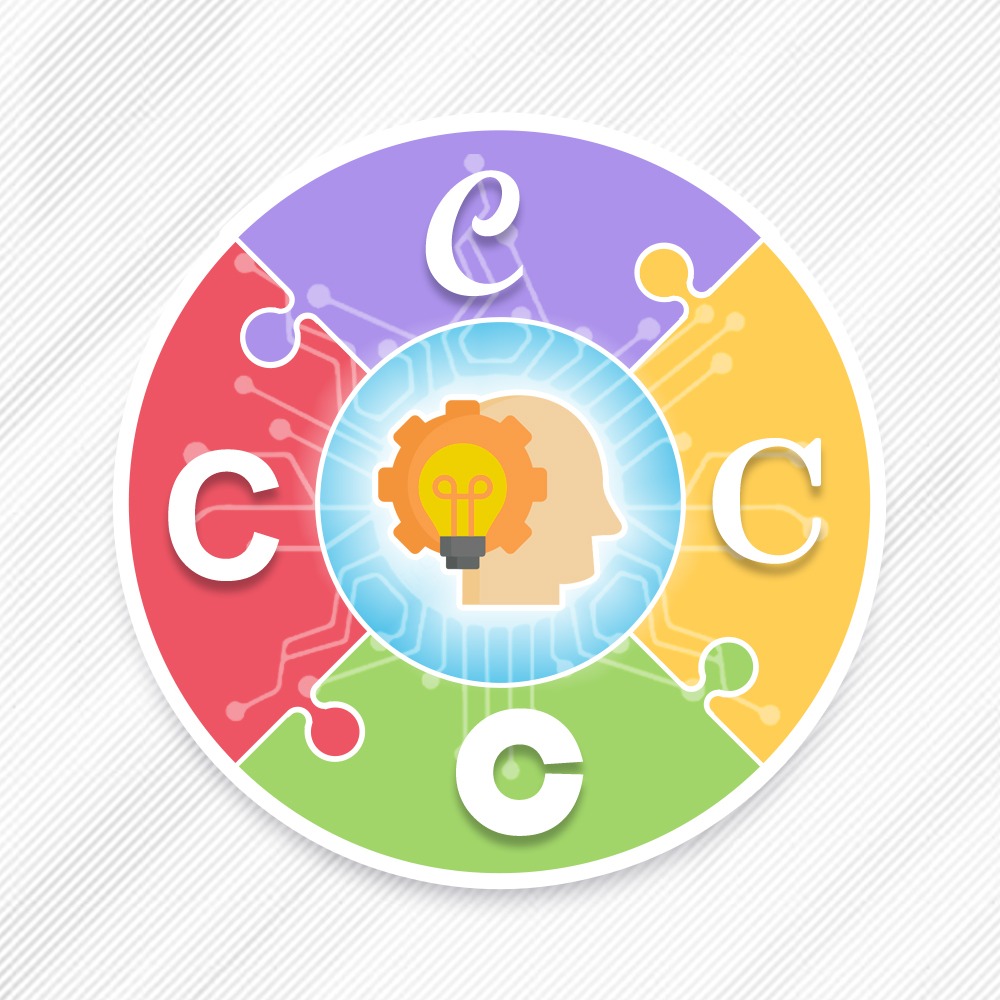
Display slide 10 and explain that although technologies may look different, many support a common set of transferable competencies referred to as the 4C’s. Introduce the 4C’s from the slide:
Communication
Collaboration
Creativity
Critical Thinking
Ask participants to reflect on the technology they explored and discuss how different tools may support one or more of the 4C’s. Encourage groups to discuss:
Which technologies aligned to each of the 4C’s?
Which competencies appeared most frequently across tools?
Which competencies will students need most in current and future contexts?
How do these competencies connect to the careers and opportunities discussed earlier in the session?
Invite a few groups to share observations.
Explain that while the 4C’s provide a broad way to think about future-ready learning, the next activity introduces a framework that describes how those competencies may appear in technology-rich learning environments.
Display slide 11 and explain that while the 4C’s provide broad future-ready competencies, educators often use instructional frameworks to make those competencies visible in classroom practice. Introduce one such framework, the International Society for Technology in Education (ISTE) student standards. Explain that the ISTE standards provide a framework for helping educators design learning experiences that prepare students for learning, work, and participation in a rapidly changing world.
Display slide 12 and allow participants time to review the brief descriptors of each ISTE Student Standard shown on the slide.
Direct participants’ attention to Standard 1.1: Empowered Learner.
Facilitate a brief whole-group discussion using the following prompts:
What might this standard look like in an authentic classroom setting?
How might students demonstrate this standard?
Which of the technologies explored earlier could support this standard?
Which of the 4C’s seem most connected to this standard?
If you have not already, pass out copies of the Frayer Model graphic organizer.
Explain
20 Minute(s)
During the Explain phase, participants will examine the ISTE standards and connect them to classroom practice.
Direct participants to move to the corresponding ISTE Standards poster. Display slide 13. Use K20 SORT to divide participants into six groups and assign one ISTE Student Standard to each group.
1.2 Digital Citizen
1.3 Knowledge Constructor
1.4 Innovative Designer
1.5 Computational Thinker
1.6 Creative Communicator
1.7 Global Collaborator
Display slide 14 and share a link to the ISTE standards for participants.
Ask participants to review the published standards. Encourage them to consider what their assigned standard might look like when students are using technology in a classroom.
Display slide 15 and explain that participants will continue to explore the ISTE Standards for Students.
Using the Frayer Model graphic organizer, explain that participants will continue to use this process to analyze Standard 1.1.
Direct participants to consider each quadrant of the organizer and facilitate a brief whole-group discussion. Encourage participants to respond to each quadrant:
What does this standard mean?
How might students demonstrate this standard?
Which technologies explored earlier may support this standard?
Which of the 4C’s connect to this standard?
Invite participants to identify one or more competencies and justify their thinking.
Explain that there may be multiple reasonable responses — the focus should remain on student actions and learning rather than selecting the correct technology.
Explain that participants will now apply the same thinking process independently through a Jigsaw activity.
Explain that the group has modeled the process together using Standard 1.1: Empowered Learner and that participants will now become temporary “experts” on one additional ISTE Student Standard.
Ask groups to use the Frayer Model graphic organizer to organize their thinking and discuss their assigned standard.
Encourage participants to reference:
The technology examples explored earlier in the session
Ideas generated during the discussion of Standard 1.1: Empowered Learner
Connections to one or more of the 4C’s
Groups should discuss their standard and record the information needed in the Frayer Model.
Allow participants time to discuss and complete their Frayer Models while slide 15 remains displayed as a reference.
Explain that groups should prepare to share key ideas briefly from their discussion with the whole group.
Display slide 16 and emphasize an important idea: Technology itself does not transform learning alone. What does?
Encourage discussion and contribute anything missing from the evolving discussion, such as the importance of teacher-designed experiences that enable students to use technology to think, create, collaborate, and communicate. Explain that effective technology integration is grounded in strong instructional design. Encourage participants to keep the 4C’s in mind during the next activity.
Move to slide 17 and ask participants to open the shared ISTE Standards I Notice, I Wonder Padlet board. Using the technology-integrated strategy I Notice, I Wonder with Padlet, participants will respond to the appropriate standard for their group.
Ask groups to contribute one classroom example connected to their assigned ISTE standard. Each group should include:
A brief description of the classroom experience
A technology example that supports student learning
One 4C most connected to the example
Display slide 18 and invite participants to review the Padlet contributions.
Facilitate a brief whole-group discussion using the following prompts:
What do you notice about the examples shared?
What do you wonder?
How does your standard appear in a classroom when students are using technology?
Which of the standards shared resonates with your practice?
Encourage participants to reflect on the 4C’s present for each presentation.
Extend
30 Minute(s)
During the Extend phase, participants will consider how technology integration might apply in their own instructional contexts.
Display slide 19 and explain that participants will now explore available educational technology resources. Encourage participants to take notes, capture ideas, and think about how different tools might support the ISTE standards.
Move to slide 20 and direct participants to use the What? So What? Now What? graphic organizer to gather their thinking.
Participants should record the following information:
What? What technology or digital tool did you explore?
So What? Which ISTE standard or 4C does this tool support? Why is it important for student learning?
Now What? How might you integrate this tool into your classroom or school? Using this tool, what might students create, produce, or collaborate on?
Allow participants time to complete the organizer and discuss their ideas with their table groups.
Evaluate
20 Minute(s)
Finally, in the Evaluate section, participants reflect on their learning and consider how they might apply it in their own settings.
Display slide 21 and introduce ISTE Educator Standard 2.2: “Educators seek opportunities for leadership to support student empowerment and success and to improve teaching and learning.”
Move to slide 22 and ask participants to discuss the following questions at their table:
How will you share the ISTE standards with your staff?
How could you adapt this activity for your school?
How might PLC/PD time support technology integration?
Display slide 23 and introduce the Glow and Grow reflection strategy. Encourage participants to identify:
One idea from the session they found valuable (Glow)
One idea they would like to explore further (Grow)
Encourage participants to write down at least one actionable step they intend to implement as a result of the lesson on a sticky note.
Follow-up Activities
20 Minute(s)
This activity is a great set up for a number of our digital resource-based professional learning activities. Others you may consider after completing this one are Unlocking Digital Citizenship; I Love Hyperdocs; Interactive Classrooms for all Contents; and It's not the App, It's the Experience.
Research Rationale
ISTE Educator and Teacher Standards (2017) are designed to mirror the changes in the evolving technological landscape with a focus on using technology in the classroom to learn, collaborate, lead, and empower students. The President of ISTE, Torrey Trust (2018), posits that the ISTE Standards have the potential to shape teaching and learning throughout the next decade. The ISTE Standards encourage and support teachers in becoming advocates for the use of technology to bridge the digital divide as well as empower all students to become digital citizens who positively contribute to society. ISTE Standards promote the use of diverse emerging technology tools that support student learning. Through using emerging technology tools, students can showcase their knowledge and skills in a variety of ways. Additionally, emerging technology tools can be used by teachers to collect diagnostic, formative, and summative assessment data that can be used to inform teaching and learning (Trust, 2018). The ISTE Standards provide educators a road map to help students become empowered learners who are able to thrive in our constantly evolving technological landscape. Moreover, the ISTE Standards are designed to empower student voice and ensure that learning is a student-driven process (ISTE, 2017).
Resources
K20 Center. (n.d.). Frayer model. Strategies. https://learn.k20center.ou.edu/strategy/126
K20 Center. (n.d.). Glow and grow. Strategies. https://learn.k20center.ou.edu/strategy/4962
K20 Center. (n.d.). Jigsaw. Strategies. https://learn.k20center.ou.edu/strategy/179
K20 Center. (n.d.). I notice, I wonder with Padlet. Tech-Integrated Strategies. https://learn.k20center.ou.edu/tech-strategy/2956
K20 Center. (n.d.). Think-pair-share. Strategies. https://learn.k20center.ou.edu/strategy/139
K20 Center. (n.d.). What? So what? Now what? Strategies. https://learn.k20center.ou.edu/strategy/95
International Society for Technology in Education. (2017). National educational technology standards for students. https://www.iste.org/standards/iste-standards-for-students
Trust, T. (2018). 2017 ISTE standards for educators: From teaching with technology to using technology to empower learners. Journal of Digital Learning in Teacher Education, 34(1), 1-3.